Creating a Logo
Course Description
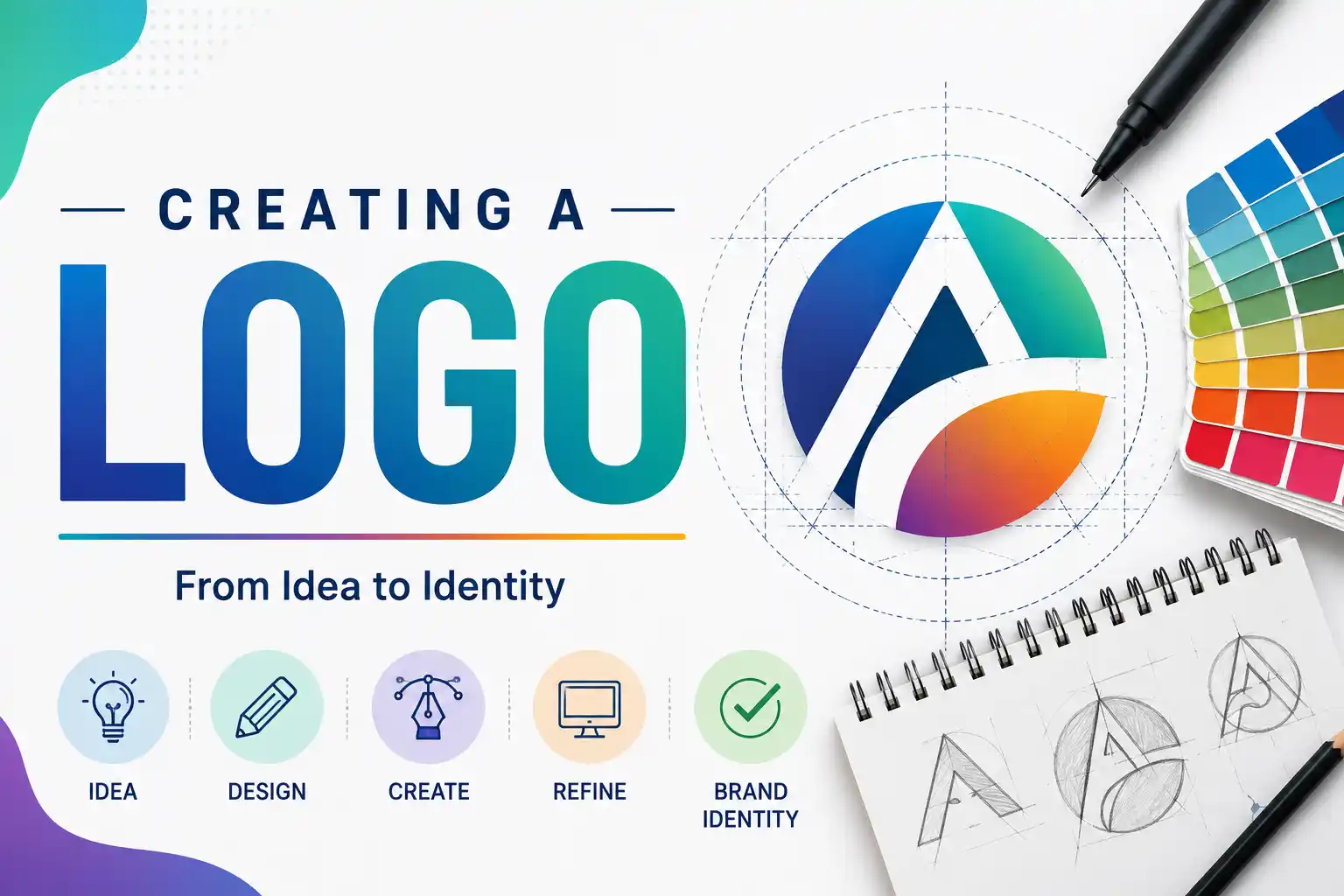
A logo is more than just a pretty picture. It's the face of a brand, the first impression, and a symbol of everything a company stands for. In this hands-on course from Canva Design School, you'll learn how to create logos that are not only beautiful but also meaningful and effective.
You'll start with the creative spark—the idea—and follow a complete design process through sketching, refining, and finally delivering a professional logo with brand guidelines. Along the way, you'll explore design psychology (why certain shapes and colors trigger specific emotions), learn to use Canva's powerful logo tools, and discover how to test your logo for flexibility across different backgrounds and sizes.
This free, self-paced course takes about 1 hour and 24 minutes to complete and includes 8 short video lessons with practical activities. No prior design experience is needed. When you finish, you'll take a quiz and earn an official Canva certificate to showcase your new skills.
Course Provider
Provider: Canva Design School, the official educational arm of Canva, a global leader in accessible design tools used by millions worldwide.
Platform: Canva Design School website – fully online, self-paced, with integrated activities inside Canva (free account required).
Accreditation: Canva certifications are globally recognized as proof of design proficiency. While not externally accredited, Canva itself is a trusted name, and the certificate is a valuable addition to any creative portfolio or LinkedIn profile.
Course Syllabus (8 Lessons)
Learning Objectives
- Understand the role of logos in building a strong brand identity.
- Explore different logo categories and design techniques (wordmarks, lettermarks, pictorial marks, abstract marks, combination marks).
- Apply design psychology (color, shape, typography) to create logos that evoke the right emotions.
- Use Canva's tools to design, customize, and refine logos efficiently.
- Test your logo for flexibility across different backgrounds, sizes, and use cases.
- Develop professional logo guidelines to ensure brand consistency.
- Earn an official Canva certificate to share on LinkedIn and your portfolio.
Course Prerequisites
Technical: None. You don't need any prior design experience. You will need a free Canva account (sign up at canva.com) to complete the hands-on activities.
Language: The course is available in English. Additional language options may be available depending on your Canva settings.
Who should take this: Small business owners, entrepreneurs, freelancers, marketing professionals, students, or anyone who wants to create their own professional logo without hiring a designer.
User Reviews
"I started my small bakery last year and was using a logo I made in five minutes on my phone. This course taught me how to think about branding properly. The design psychology lesson alone was worth it. My new logo looks professional, and customers take me more seriously now. Highly recommend!"
"As a freelancer, I've always outsourced logo design because I thought I lacked the skill. This course proved me wrong. The step-by-step process from idea to final logo guidelines was incredibly clear. I've already used what I learned to create logos for three clients. Best free design course out there."
"Very practical and fun. The lessons are short and focused, perfect for busy people. I loved the section on testing your logo for flexibility—I never thought about how a logo looks in black and white or on a dark background. The certificate is a nice bonus. Only critique: I wish there were more advanced tips for experienced designers, but for beginners, it's perfect."
Based on 3,500+ ratings on Canva Design School.
💡 Final Thoughts
Your logo is often the first thing people see about your brand. It's worth getting right. This Canva course is a gem: short enough to finish in an afternoon, practical enough to apply immediately, and free. You'll learn real design principles—not just how to click buttons in Canva. The section on design psychology (why a circle feels friendly while a triangle feels powerful) is particularly valuable. By the end, you won't just have a logo; you'll have a thoughtful brand identity and guidelines to keep it consistent. The official Canva certificate is a nice credential for your LinkedIn profile. Whether you're launching a business, building a portfolio, or just curious about design, this course is a smart investment of 90 minutes.
Creating a Logo (Canva) – FAQ
Is this course really free?
Yes, completely free. You just need a free Canva account (sign up at canva.com). No payment or credit card required.
Do I need any design experience?
None at all. This course is designed for complete beginners. You'll learn both design principles and how to use Canva's tools step by step.
How long is the course?
About 1 hour and 24 minutes total, split into 8 short video lessons. You can complete it in one sitting or spread it out over several days.
Will I get a certificate?
Yes, after completing all lessons and passing the final quiz, you'll receive an official Canva certificate. You can share it on LinkedIn and add it to your portfolio.
Does the certificate expire?
No, the certificate doesn't expire. However, Canva updates course content periodically, so it's a good idea to re-test every 12 months to stay current.
Can I use the logo I create for my business?
Absolutely! The course teaches you how to create original logos using Canva's tools and your own creativity. You own the rights to any original design you create.