Data Analytics Fluency Pathway
Course Description
Data is everywhere, but data without analysis is just noise. This comprehensive learning pathway from IBM teaches you the essential tools and skills to become data fluent. You'll learn to understand, analyze, and communicate data insights—turning raw numbers into business impact.
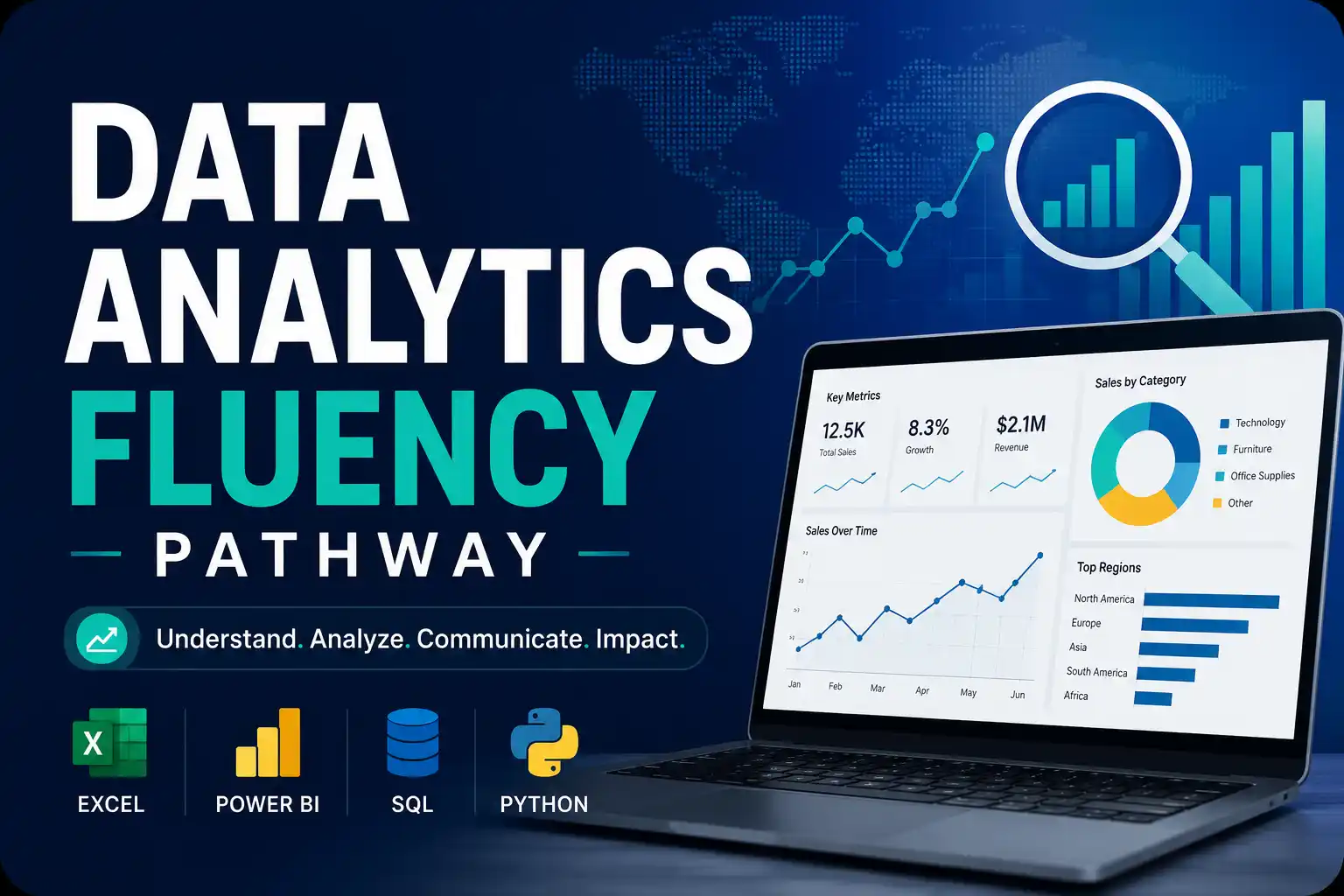
The pathway covers four key pillars of data analytics: Excel (spreadsheet mastery), Power BI (data visualization and dashboards), SQL (querying databases), and Python (programming for data analysis). You'll start from the basics and build practical skills through hands-on labs and real-world projects. The course includes multiple modules with video lessons, quizzes, and practical exercises.
This free, self-paced pathway takes about 30 hours to complete across all modules. It's ideal for beginners who want a structured introduction to data analytics, as well as professionals looking to add data skills to their toolkit. Upon completion, you'll earn an official IBM Skills Badge to showcase your data fluency.
Course Provider
Provider: IBM Skills, the official learning platform for IBM technologies and professional development.
Platform: IBM Your Learning portal – fully online, self-paced, with integrated hands-on labs.
Accreditation: IBM Skills Badges are recognized globally by employers as proof of proficiency in specific data skills. The badge can be shared on LinkedIn and added to your resume.
Course Syllabus (4 Core Modules)
Learning Objectives
- Use Excel for data cleaning, analysis, and automation (pivot tables, formulas, what-if analysis).
- Build interactive dashboards and data visualizations with Power BI.
- Write SQL queries to extract, filter, join, and aggregate data from databases.
- Use Python (Pandas, Matplotlib) for data manipulation and visualization.
- Combine all four tools to solve real-world data analytics problems.
- Communicate data insights effectively to stakeholders.
- Earn an IBM Skills Badge demonstrating data analytics fluency.
Course Prerequisites
Technical: None for Excel and Power BI modules. For SQL and Python, basic computer literacy is sufficient. The pathway starts from the beginning for each tool.
Who should take this: Beginners interested in data analytics, business analysts looking to add technical skills, students, and professionals in any field who want to become data fluent.
Software: You'll need access to Excel (or a free alternative like Excel Online), Power BI Desktop (free), and a Python environment (instructions provided).
User Reviews
"This pathway is a goldmine. Four complete courses, plus a capstone project, all free from IBM. I started knowing almost nothing about data analytics. Now I can clean data in Excel, query databases with SQL, build dashboards in Power BI, and analyze data with Python. The capstone project tied everything together perfectly. Highly recommended for anyone starting a data career."
"I'm a business analyst who relied mostly on Excel. This pathway taught me SQL and Power BI, which have been game-changers for my job. The IBM badge got me noticed by recruiters. The courses are well-structured, with plenty of hands-on labs. The SQL module was particularly good—clear explanations of joins and subqueries."
"Excellent content, but be prepared to put in the hours. 30 hours is realistic for the videos and labs, but I spent extra time practicing. The Python module assumes no prior coding experience, which is great. The Power BI section was eye-opening—I built my first dashboard in an afternoon. Well worth the effort."
Based on 2,400+ ratings on IBM Skills.
💡 Final Thoughts
Data analytics is one of the most in-demand skills in today's job market. But where do you start? Excel? SQL? Python? This IBM pathway answers that question with a comprehensive, structured curriculum that covers all four essential tools. You'll learn Excel for data wrangling, Power BI for visualization, SQL for database querying, and Python for advanced analysis. The capstone project forces you to use all four together, which is exactly what real-world analytics looks like. The IBM Skills Badge is credible proof of your abilities. If you want to become data fluent, this free pathway is the most efficient route I've seen. Clear, practical, and complete.
Data Analytics Fluency Pathway (IBM) – FAQ
Is this course really free?
Yes, completely free. IBM Skills offers this learning pathway at no cost. You just need to create a free IBM account.
Do I need prior experience?
No. The pathway starts from absolute basics for each tool. No prior Excel, Power BI, SQL, or Python experience required.
How long does the pathway take?
The full pathway takes approximately 30 hours to complete. You can take individual modules separately if you only need specific skills.
Will I get a certificate or badge?
Yes, upon completing all modules and the capstone project, you'll earn an official IBM Skills Badge. You can share it on LinkedIn and other platforms.
Do I need to install software?
Excel and Power BI require installations (free versions available). SQL and Python labs can be done in-browser or with free tools (instructions provided).
Which tool should I learn first?
The pathway is designed to be taken in order: Excel → Power BI → SQL → Python. Each builds on concepts from previous modules.