Introduction to HTML and CSS
Course Description
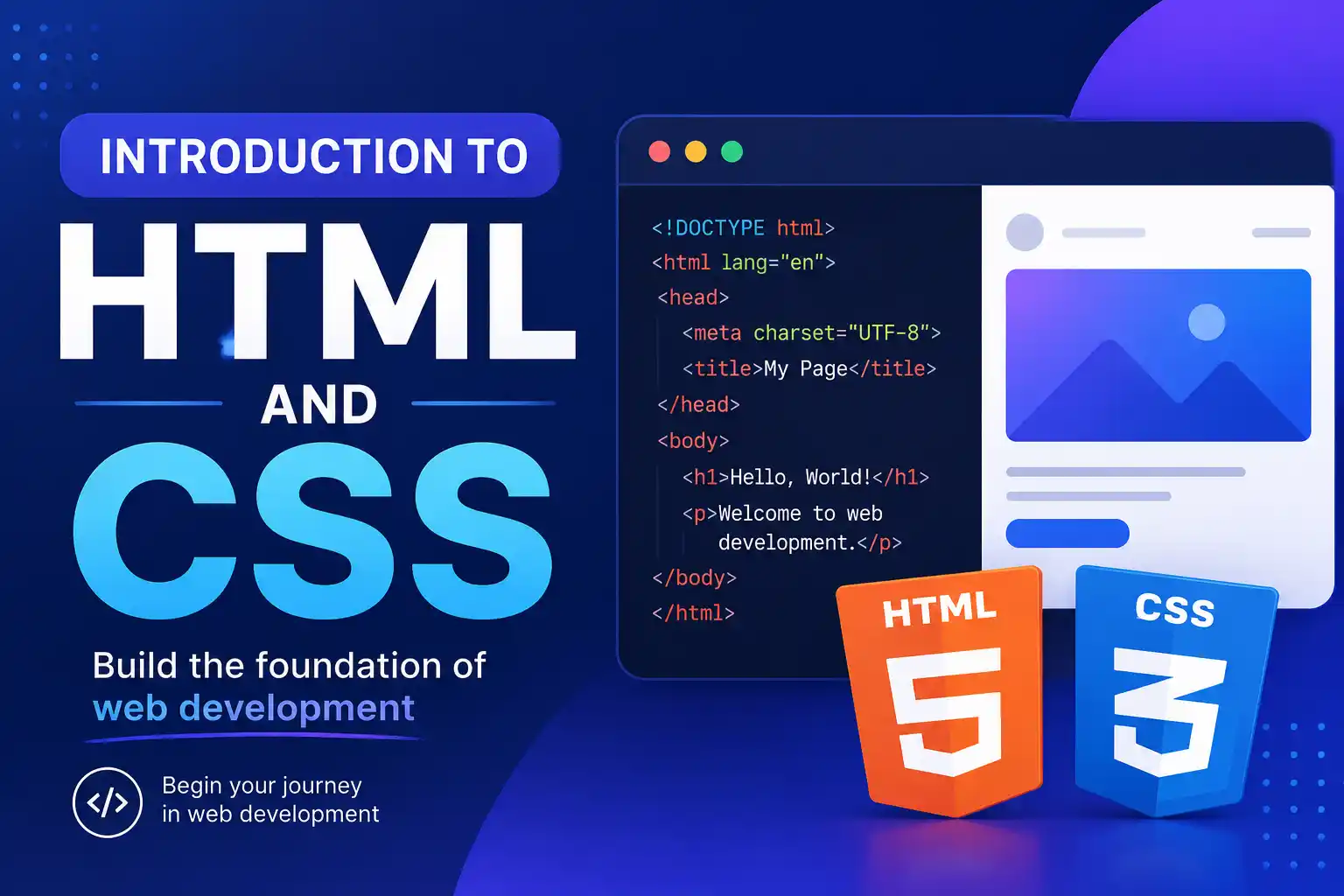
Every website you've ever visited is built on two core languages: HTML and CSS. HTML gives structure, and CSS adds style. This focused course from IBM teaches you both from the ground up.
You'll start with the basics: what HTML tags are, how to structure a webpage, and how to add headings, paragraphs, images, and links. Then you'll learn CSS: how to change colors, fonts, spacing, and layout. By the end of the course, you'll build a complete, styled webpage from scratch.
This free, self-paced course takes about 4-6 hours to complete. It's perfect for absolute beginners who want to learn web development fundamentals without getting overwhelmed. No prior coding experience is required. You'll code directly in your browser, with instant feedback. Upon completion, you'll earn an IBM Skills Badge to showcase your new skills.
Course Provider
Provider: IBM Skills, the official learning platform for IBM technologies and professional development.
Platform: IBM Your Learning portal – fully online, self-paced, with integrated browser-based code editor. No software installation required.
Accreditation: IBM Skills Badges are recognized globally by employers as proof of web development proficiency. The badge can be shared on LinkedIn, added to your resume, and included in your professional portfolio.
Course Syllabus (Key Modules)
Learning Objectives
- Write semantic HTML to structure web content correctly.
- Use CSS to style text, colors, backgrounds, and spacing.
- Understand the box model and how elements are laid out.
- Apply basic Flexbox for simple page layouts.
- Create and style HTML forms.
- Build a complete, styled "About Me" webpage from scratch.
- Earn an IBM Skills Badge demonstrating HTML and CSS fundamentals.
Course Prerequisites
Technical: None. This course is designed for absolute beginners. No prior coding experience required. You just need a computer with a modern web browser.
Language: The course is in English. Basic English reading comprehension is sufficient.
Who should take this: Absolute beginners who want to learn web development, aspiring front-end developers, designers who want to code, students, career changers, and anyone who wants to build websites.
User Reviews
"I had zero coding experience before this course. The way IBM explains HTML and CSS is so clear and gentle. The browser-based code editor let me practice without installing anything. By the end, I had a real webpage I built myself. I'm now taking their full web development course. Highly recommend for true beginners."
"Perfect introduction. The course focuses only on HTML and CSS—no JavaScript distractions. This is exactly what I needed. The box model and Flexbox lessons were particularly helpful. I finally understand how layout works. The IBM badge looks great on my LinkedIn. Worth the 5 hours."
"Very well structured. The examples are practical and the exercises build on each other. I appreciated that they teach semantic HTML (using
Based on 3,200+ ratings on IBM Skills.
💡 Final Thoughts
HTML and CSS are the foundation of the web. And this IBM course is one of the friendliest, most focused introductions you'll find. It's short enough to complete in a weekend but comprehensive enough to give you real, usable skills. You'll learn by doing—writing actual code in your browser, seeing results instantly. By the end, you'll have built a complete "About Me" page that you can share online. The IBM Skills Badge is a credible credential for LinkedIn. If you've ever been curious about web development, stop wondering and start coding. This is your perfect starting point.
Introduction to HTML and CSS (IBM) – FAQ
Is this course really free?
Yes, completely free. IBM Skills offers this course at no cost. You just need to create a free IBM account. No payment required.
Do I need any prior coding experience?
None at all. This course is designed for absolute beginners. You'll start from the very basics.
How long does the course take?
About 4-6 hours total. You can complete it in a weekend or spread it out over a week.
Will I get a certificate or badge?
Yes, upon completing the course and passing the final assessment, you'll earn an official IBM Skills Badge. You can share it on LinkedIn, add it to your resume, or include it in your professional portfolio.
Do I need to install any software?
No. The course includes a browser-based code editor. You just need a modern web browser (Chrome, Firefox, Edge).
What's the difference between this and the Web Development Fundamentals course?
This course focuses exclusively on HTML and CSS (no JavaScript). It's shorter and perfect for absolute beginners. The Web Development Fundamentals course adds JavaScript and responsive design. Take this one first if you're completely new to coding.