IT Support Essentials
Course Description
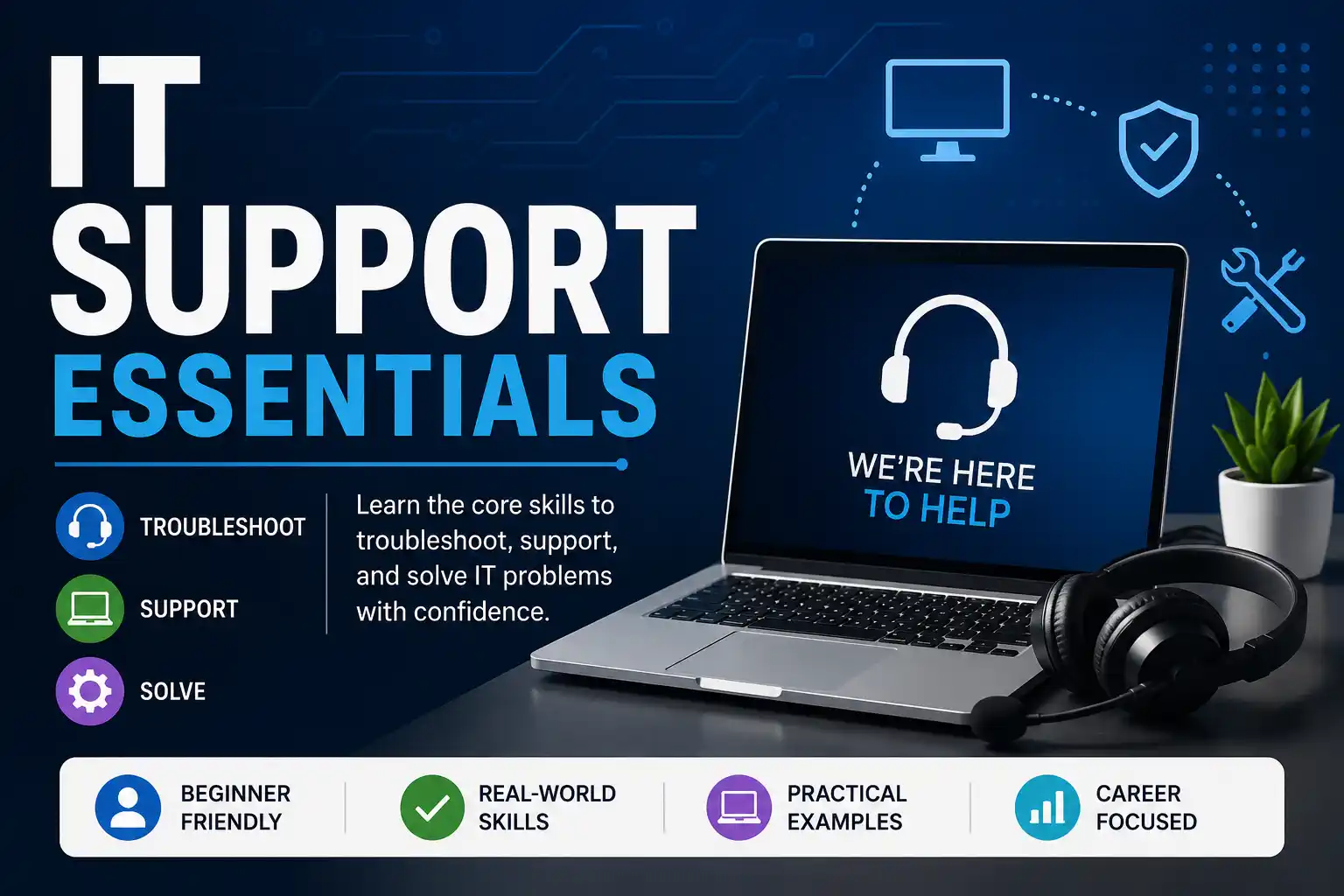
IT support is the backbone of every organization. When computers break, networks fail, or users get stuck, IT support professionals step in to save the day. This free course from Cisco Networking Academy gives you the core skills you need to start your career in IT support.
You'll learn how to troubleshoot hardware and software problems, understand operating systems, set up basic networks, and master the customer service skills that make great IT support professionals stand out. The course is packed with practical, real-world scenarios you'll actually encounter on the job. No prior experience is required—just curiosity and a willingness to solve problems.
This free, self-paced course takes about 12+ hours to complete and includes interactive activities, quizzes, and a final exam. Upon passing, you'll earn an official Cisco digital badge that you can share on LinkedIn and your resume. This course is ideal preparation for entry-level IT support roles and certification exams like CompTIA A+.
Course Provider
Provider: Cisco Networking Academy, a global IT and cybersecurity education program that has trained millions of students for technology careers.
Platform: Cisco NetAcad online platform – fully online, self-paced, with interactive labs and assessments.
Accreditation: This course is part of Cisco's IT support curriculum and aligns with skills needed for entry-level IT roles. The Cisco badge is recognized by employers worldwide.
Course Syllabus (Key Modules)
Learning Objectives
- Identify and troubleshoot common hardware, software, and network problems.
- Install, configure, and maintain Windows, Linux, and macOS operating systems.
- Use command-line tools to diagnose and fix IT issues.
- Apply a systematic troubleshooting methodology to solve any technical problem.
- Provide excellent customer service and communicate effectively with non-technical users.
- Understand basic security practices to protect data and systems.
- Earn a Cisco digital badge to showcase your IT support skills.
Course Prerequisites
Technical: None. This course is designed for absolute beginners. No prior IT or technical experience is required.
Language: The course is available in English and multiple other languages.
Who should take this: Anyone interested in starting an IT support or help desk career, students preparing for CompTIA A+, career changers, and home users who want to become the family tech support hero.
User Reviews
"I had zero IT experience before this course. After completing it, I felt confident enough to apply for help desk roles—and I got one! The troubleshooting methodology alone is worth the time. The customer service module was a surprise gem. Thank you Cisco for this free resource that changed my career."
"As a career changer from retail, I needed practical skills. This course delivered. The hardware module showed me how to build a PC step by step. The networking module helped me finally understand what my home router actually does. The labs are interactive and fun. Highly recommend to anyone wanting to get into IT."
"Very comprehensive for a free course. Covers everything from hardware to customer service. The only downside is that some of the Windows examples are a bit dated, but the core concepts are solid. The Cisco badge is legitimate—I added it to my LinkedIn and recruiters noticed. Great starting point before CompTIA A+."
Based on 2,500+ ratings on Cisco NetAcad and LinkedIn.
💡 Final Thoughts
IT support is one of the most reliable entry points into technology careers. Every organization needs someone to keep computers running and users happy. This Cisco course gives you the complete package: technical skills (hardware, OS, networking), troubleshooting methodology, and customer service training. It's beginner-friendly, practical, and free. The Cisco digital badge is a legitimate credential for your LinkedIn profile. If you're looking to break into IT, stop overthinking and start here. Twelve hours of focused learning could change your career trajectory.
IT Support Essentials (Cisco) – FAQ
Is this course really free?
Yes, completely free. Cisco Networking Academy offers this course at no cost. No payment or credit card required. You just need to create a free account on the NetAcad platform.
Do I need any prior experience?
None at all. This course is designed for absolute beginners. No technical background is needed.
How long does the course take?
The course is self-paced and takes approximately 12+ hours to complete. You can finish it over a couple of weeks or take it slower.
Will I receive a certificate or badge?
Yes, upon passing the final exam, you will receive an official Cisco digital badge that you can share on LinkedIn and other platforms.
Does this course help with CompTIA A+?
Yes, it covers many of the same foundational topics (hardware, OS, networking, troubleshooting). It's an excellent free preparation resource before investing in paid A+ study materials.
What kind of job can I get after this course?
This course prepares you for entry-level IT support roles: help desk technician, desktop support specialist, IT support specialist, and field service technician. Many learners have successfully landed these roles after completing the course.