Network Addressing and Basic Troubleshooting
Course Description
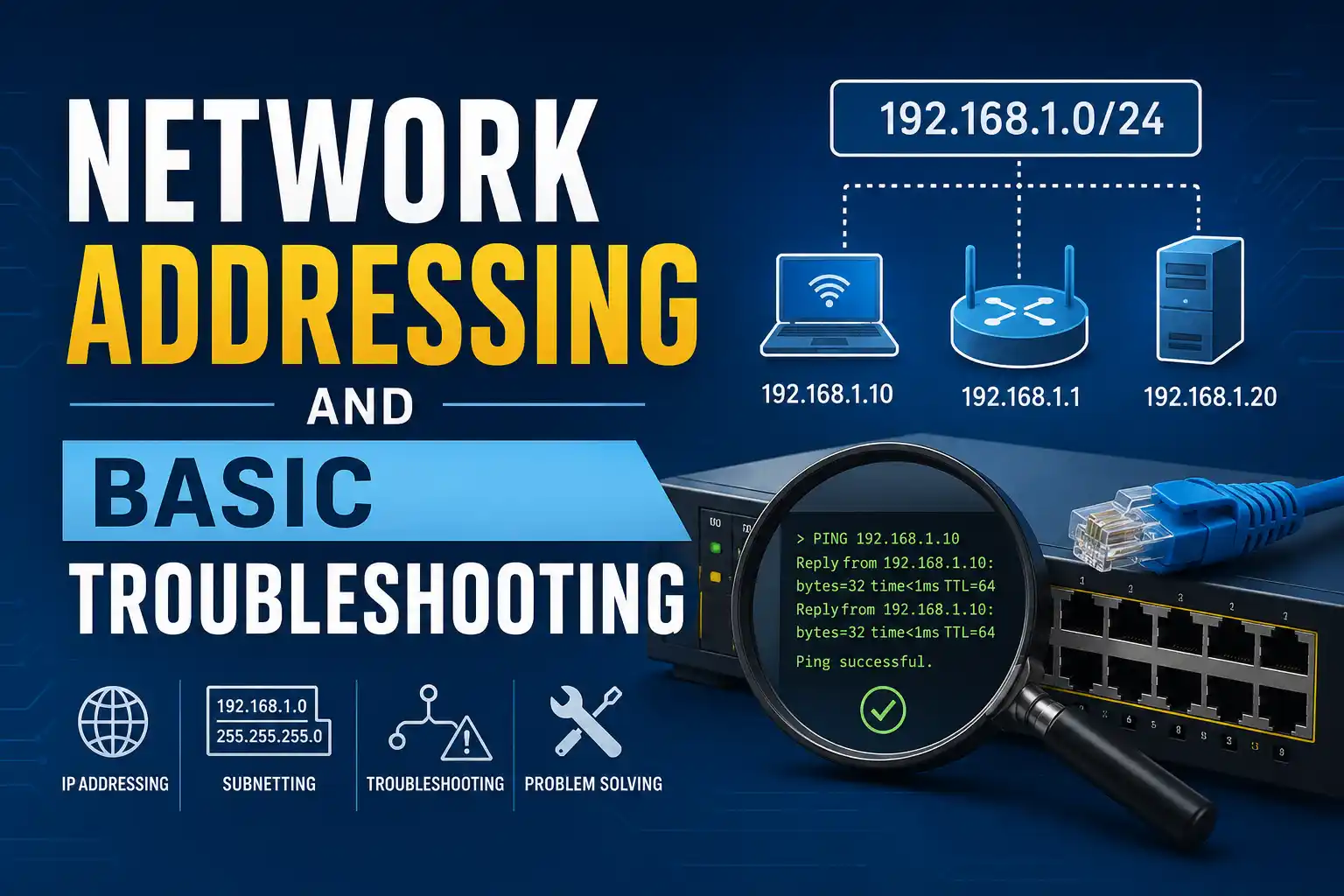
When your internet stops working, do you feel helpless? This course changes that. You'll learn the two fundamental skills every IT professional needs: network addressing (how devices get their unique IDs) and basic troubleshooting (how to diagnose and fix common problems).
Starting with IP addressing and subnetting basics, you'll quickly move into hands-on troubleshooting using the same command-line tools that network engineers use every day: ping, tracert (or traceroute), ipconfig, arp, and netstat. You'll learn what each tool does, how to interpret the output, and how to systematically track down the cause of a network failure.
This free, self-paced course takes about 5 hours to complete and includes interactive simulations where you can practice troubleshooting in a safe virtual environment. Upon completion, you'll earn an official Cisco digital badge that proves you can diagnose real network problems.
Course Provider
Provider: Cisco Networking Academy, the world's leading IT and networking education program.
Platform: Cisco NetAcad online platform – fully online, self-paced, with hands-on simulations.
Accreditation: This course builds essential skills for IT support roles, help desk positions, and further networking certifications like CCNA.
Course Syllabus (Key Modules)
Learning Objectives
- Understand how IP addresses are structured and assigned (IPv4 and basic IPv6).
- Perform basic subnetting to identify network, broadcast, and host ranges.
- Use ping to test basic connectivity and interpret common error messages.
- Trace the route of packets to identify where network failures occur.
- Check and renew IP configuration using ipconfig / ifconfig.
- Troubleshoot DNS issues with nslookup.
- Apply a systematic methodology to diagnose and fix real-world network problems.
- Earn a Cisco digital badge demonstrating troubleshooting competence.
Course Prerequisites
Technical: Basic computer literacy. Some familiarity with networking concepts (like "What is an IP address?") is helpful but not strictly required. The course teaches addressing from the ground up.
Recommended prior course: Networking Basics (Cisco) or equivalent.
Who should take this: IT support specialists, help desk technicians, students preparing for CCNA, and anyone who wants to stop calling their ISP every time the internet goes down.
User Reviews
"I work on a help desk, and this course made me so much more effective. Before, I would just tell people to reboot their router. Now I can actually diagnose whether it's a DHCP issue, a DNS problem, or a routing failure. The ping and tracert modules alone were worth the time. Highly recommended."
"The hands-on simulations are fantastic. You can practice troubleshooting in a safe environment without breaking anything. I finally understand what ipconfig /release and /renew actually do. The systematic troubleshooting methodology is something I use every week now. Great course."
"Solid course that bridges theory and practice. The IP addressing and subnetting sections are clear, but the real star is the troubleshooting tools module. I only wish there were more advanced troubleshooting scenarios. Still, for a free course, this is excellent. The Cisco badge is a nice addition to my LinkedIn."
Based on 1,400+ ratings on Cisco NetAcad.
💡 Final Thoughts
There's a big difference between using a network and understanding a network. This course gives you the understanding. You'll learn the language of network addressing (IPs, subnets) and the tools to diagnose problems (ping, tracert, ipconfig). These are not advanced skills—they're fundamental skills that every IT professional should have. And they're surprisingly empowering. The first time you use ping to confirm a device is online, or tracert to find where a connection is failing, you'll feel like a wizard. Cisco's free course makes it accessible, hands-on, and even fun. The digital badge is a plus, but the real reward is never feeling helpless about your internet again.
Network Addressing and Basic Troubleshooting (Cisco) – FAQ
Is this course really free?
Yes, completely free. Cisco Networking Academy offers this course at no cost. You just need a free NetAcad account.
Do I need prior networking experience?
Basic computer literacy is enough. Some familiarity with IP addresses is helpful, but the course teaches addressing from the beginning.
Will I learn the command line?
Yes, you'll learn specific commands: ping, tracert, ipconfig, netstat, arp, nslookup. No prior command-line experience is needed.
Is this course hands-on?
Absolutely. The course includes interactive simulations where you can practice troubleshooting in a virtual network environment. No real equipment needed.
Will I receive a certificate or badge?
Yes, upon passing the final exam, you'll earn an official Cisco digital badge. You can share it on LinkedIn and other platforms.
Does this course help with IT support roles?
Directly. The troubleshooting skills taught in this course are exactly what help desk and IT support technicians use every day. It's excellent preparation for roles like IT Support Specialist or Help Desk Analyst.