Understanding Design in Email Marketing
Course Description
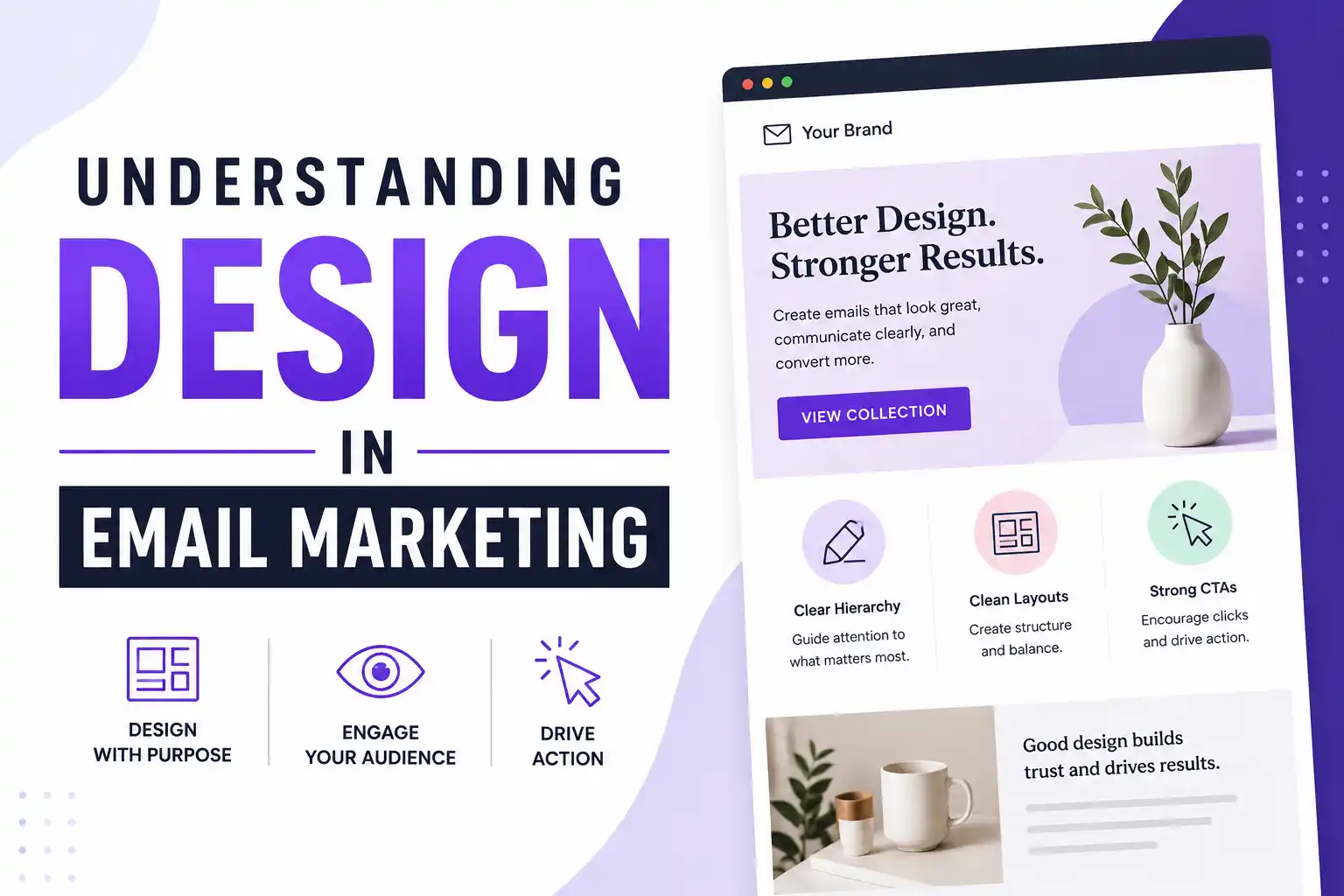
Your audience's inbox is crowded. Every day, they're bombarded with promotional emails, newsletters, and updates. How do you make yours stand out? The answer isn't just better copy—it's better design. Good design builds trust, guides attention, and drives action.
In this short, focused lesson from HubSpot Academy, you'll learn the fundamental design principles that make emails more engaging and effective. You'll discover how to create a clear visual hierarchy that guides readers to what matters most, how to build clean layouts that work on any device, and how to design calls-to-action that actually get clicked. The instructors are seasoned marketing professionals who have run thousands of campaigns.
This free, 27-minute course is part of HubSpot's broader email marketing certification, but you can take this individual lesson on its own. It's perfect for marketers, small business owners, or anyone who sends emails and wants better results. No design experience required. Upon completion, you'll earn a HubSpot Academy certificate to share on LinkedIn.
Course Provider
Provider: HubSpot Academy, the world-renowned online learning platform from HubSpot, a leader in inbound marketing, sales, and CRM software.
Platform: HubSpot Academy website – fully online, self-paced, with video lessons and a final quiz.
Instructors: This lesson features multiple HubSpot experts, including Christine Lee (Inbound Professor), Mali Brown (Digital Marketing Manager), Maria Christoforidou (Marketing Automation Lead), and Kimberly Doan (Manager of Learning Design).
Accreditation: HubSpot Academy certificates are globally recognized by marketing professionals. Over 100,000 learners have completed HubSpot courses, and the certificates are frequently listed on LinkedIn profiles and resumes.
Course Syllabus
Learning Objectives
- Understand why design is critical for email engagement and conversion.
- Apply visual hierarchy principles to guide readers through your message.
- Create clean, balanced layouts that work on desktop and mobile.
- Design calls-to-action that stand out and encourage clicks.
- Maintain brand consistency across all email communications.
- Identify common email design mistakes and how to fix them.
- Earn a HubSpot Academy certificate to showcase your skills.
Course Prerequisites
Technical: None. No design or coding experience required. You just need a web browser and an email address to create a free HubSpot Academy account.
Language: The course is available in English. Subtitles may be available in additional languages.
Who should take this: Marketers, small business owners, entrepreneurs, non-profit staff, students, or anyone who sends promotional emails and wants better results.
User Reviews
"I've been sending marketing emails for two years, but my open rates were stuck. This short lesson completely changed how I think about layout and CTAs. I redesigned our newsletter based on what I learned, and our click-through rate increased by 18% in one month. Unbelievable value for 27 minutes."
"HubSpot Academy never disappoints. This lesson is concise but packed with actionable tips. The visual hierarchy section alone was worth my time. I appreciated that the instructors didn't assume any prior design knowledge. The certificate is a nice touch for my LinkedIn profile."
"Short, sweet, and practical. I wish it went a bit deeper into A/B testing for design elements, but for a free 27-minute lesson, it's excellent. The instructors are engaging and clearly experts. I've already recommended it to my entire marketing team."
Based on 2,800+ ratings on HubSpot Academy.
💡 Final Thoughts
Email is far from dead. But bad email design? That's a killer. This HubSpot lesson is a perfect example of "less is more." In under half an hour, you'll learn the core principles that separate emails people ignore from emails people act on. The focus on visual hierarchy, clean layouts, and compelling CTAs is exactly what most small businesses and marketers get wrong. You don't need to be a designer to apply these principles—just a willingness to think about your reader's eye flow. HubSpot Academy's certificates are well-regarded in the marketing world, so the credential is a real bonus. If you send even one email per week, invest 27 minutes in this course. Your open rates will thank you.
Understanding Design in Email Marketing (HubSpot) – FAQ
Is this course really free?
Yes, completely free. You just need to create a free HubSpot Academy account (no credit card required). The lesson, quiz, and certificate are all free.
Do I need any design experience?
None at all. This course is designed for marketers, business owners, and anyone who sends emails—no design background required.
How long does the course take?
Only 27 minutes for the video lesson, plus a few minutes for the quiz. You can easily complete it during a lunch break.
Will I get a certificate?
Yes, after passing the final quiz, you'll receive a HubSpot Academy certificate. You can share it on LinkedIn and add it to your resume.
Is this a standalone lesson or part of a larger certification?
This is a single lesson. HubSpot Academy offers a full Email Marketing Certification that includes this lesson plus many others. But you can take this lesson independently.
Do I need HubSpot software to take this course?
No. The design principles apply to any email platform (Mailchimp, Constant Contact, Klaviyo, or even Gmail). You don't need HubSpot software.